
Goospin login gives registered Australian players access to their AUD balance, pokies, promotions, transaction history, VIP status and account settings. The sign-in form accepts a registered mobile number or username together with a password of 6–20 characters. New users can move from the login page to registration, while existing account holders can use the password-recovery link if their credentials no longer work.
The same account details work on desktop, mobile and tablet. Players enter the mobile number attached to the account, keep the password private and never give an SMS code to another person. GOOSPIN provides 24/7 Live Chat for immediate account help and email support for requests that require a longer explanation.
The essential Goospin sign-in information is set out below. Availability of individual account tools may depend on whether the profile and mobile number have already been verified.
| Login feature | Details |
|---|---|
| Login identifier | Registered mobile number or username |
| Password length | 6–20 characters |
| New account verification | SMS verification code |
| Password help | Forgot Password link on the login page |
| Account currency | AUD |
| Support route | 24/7 Live Chat and email |
| Device access | Desktop, mobile and tablet browsers |
| Registration link | Register button beneath the login form |
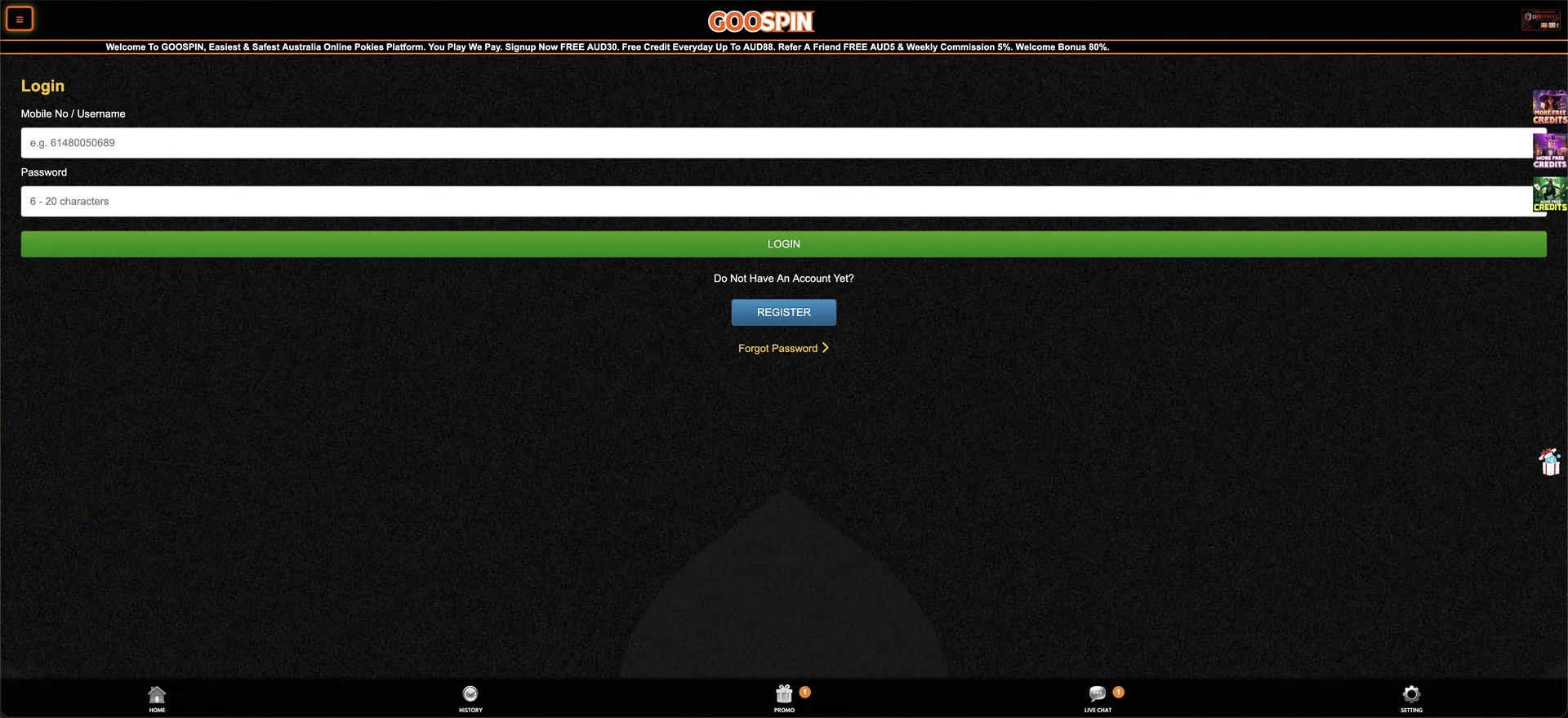
How to use the Goospin login
The login process has two account fields and one submission button. Use the mobile number or username registered to the profile, then enter the matching password. Passwords are case-sensitive, so capital letters, numbers and symbols must be entered exactly as they were saved.
- Open the Goospin website in a current browser.
- Select Login from the account panel or site menu.
- Enter the registered mobile number or username.
- Type the 6–20 character password in the password field.
- Select the green Login button once.
- Wait for the account area to load before refreshing the page.
After a successful sign-in, check that the displayed AUD balance and profile details belong to the expected account. If an unfamiliar balance, mobile number or activity appears, sign out and contact support rather than making a deposit.
Creating an account before signing in
A Goospin login can only be used after registration. The sign-up form requests a full name, mobile number, password and optional referrer code. The full name must match the player’s bank account name, which is important for later account and transaction checks.
Goospin registration steps
SMS verification connects the new profile to an active mobile number. The Get Code button sends the verification message after the required details have been entered.
- Select Register from the login page or main account panel.
- Enter the full name used on the associated bank account.
- Add an active Australian mobile number.
- Create a password containing 6–20 characters.
- Add a referrer code if applicable; the field is optional.
- Select Get Code and wait for the SMS.
- Enter the received code in the verification field.
- Select Register to submit the form.
Only one profile should be created for the same player. Opening another account to work around a forgotten password can complicate verification, promotion eligibility and withdrawal requests.
Forgotten Goospin password
The Forgot Password link beneath the registration prompt is the correct route when the password cannot be recalled. Recovery should be completed through the contact details already attached to the account. The exact verification steps may vary according to the information available on the profile.
Password recovery steps
Before starting recovery, confirm that the registered mobile number can receive messages. The new password should be unique to Goospin and should not repeat a password already used for email, banking or another casino account.
- Open the Goospin login page.
- Select Forgot Password beneath the form.
- Provide the requested registered account detail.
- Complete the identity or mobile verification step.
- Create a new password within the required length.
- Return to the login form and sign in with the updated password.
If the recovery message does not arrive, check the number entered, mobile reception and blocked-message settings. Live Chat can explain the available recovery route, but a support agent should never ask for the complete password or an active verification code.
Common Goospin login problems
Most sign-in problems are connected to an incorrect identifier, password formatting, stored browser data or a temporary connection issue. Repeatedly submitting different details can trigger additional account checks, so each cause should be handled separately.
Incorrect mobile number or username
Use the same mobile number or username entered during registration. Check the country code, spaces and leading digits. If more than one mobile number is in use, confirm which one received the original registration code.
Password is not accepted
Check Caps Lock, automatic capitalisation and copied spaces before trying again. A password manager may have stored an older value after a reset. Use the recovery link instead of continuing with uncertain passwords.
The form does not respond
Reload the page once, confirm that JavaScript and cookies are enabled, then try a private browser window. Clearing only Goospin site data can resolve an expired session without removing unrelated browser history.
The account is restricted
An account may require additional verification or support assistance before access is restored. Contact Live Chat and provide only the documents or information requested through the proper account channel. Do not send identity documents through an unverified social-media profile.
Using Goospin login on mobile
The Goospin app and mobile website can be opened from an iPhone, iPad or Android device without a separate account. Enter the same mobile number or username used on desktop. The account balance, bonuses and transaction history stay connected across devices.
Mobile users should avoid signing in over unknown public Wi-Fi when account or payment information is involved. A screen lock, current browser version and private mobile connection add useful protection. Logging out is recommended on any device shared with another person.
What becomes available after login
A successful Goospin casino login opens the player-specific areas that are not available to a visitor. The exact balance and promotion status depend on the individual account.
- AUD balance: the current account balance and cashier controls.
- Deposit and withdrawal: the account’s available transaction routes and live limits.
- History: available account and activity records.
- Promo: claimable offers, red packets, free credits and rebates.
- VIP status: the current tier and available member rewards.
- Settings: profile and account controls.
- Live Chat: direct access to the support channel shown by the site.
Goospin login security
GOOSPIN operates under a Curaçao eGaming licence and uses SSL encryption to protect login details, personal information and transactions. Account protection also depends on using a unique password and keeping mobile verification codes private. The login page should be opened from the official casino address rather than an unsolicited message.
The following habits reduce common account-access risks without making daily sign-in difficult.
- Use a password that is not shared with another service.
- Do not send an SMS verification code to another person.
- Check the site address before entering account details.
- Sign out after using a shared computer or mobile.
- Contact Live Chat promptly after unfamiliar account activity.
Goospin login FAQ
These answers cover the most common questions Australian users have when opening or recovering a Goospin account.
What details are required for Goospin login?
Enter the registered mobile number or username and the matching password. The password field accepts 6–20 characters.
Can an Australian mobile number be used as the username?
The login field specifically accepts a mobile number or username. Use the mobile number attached to the account, including the correct digits and country-code format where required.
How can a forgotten Goospin password be reset?
Select Forgot Password on the login page and follow the available account-verification steps. Live Chat can provide direction if the registered mobile number is no longer accessible.
Can the same account be used on mobile and desktop?
Yes. The same Goospin login details provide access through compatible desktop, mobile and tablet browsers. A separate mobile profile is not required.
Why should the registered name match the bank account?
The registration form states that the full name must be the same as the bank account name. Matching details help support later identity and transaction checks.
Where is Goospin support after sign-in?
Live Chat appears in the fixed site navigation and operates 24/7. Email support is also available for account access, promotion and transaction questions.
GOOSPIN is for adults who are legally permitted to gamble. Keep account details private, set spending limits and use gambling services responsibly.